


On this page
Reselling is how most SMM panels are built: you buy services wholesale from a provider through an API and sell them to your own customers at your own price. Done well, it is a simple, automated business. Done badly, it turns into refunds and support tickets. This guide walks through the full setup, from the first API call to pricing and customer support.
How SMM reselling works
A reseller sits between the customer and the provider:
- Your customer places an order on your panel or store.
- Your system sends the same order to the provider through the API.
- The provider delivers and returns status updates, which your system shows to the customer.
- You keep the difference between your selling price and the provider price.
The customer never sees the provider. What they see is your prices, your speed and your support, so the provider you choose decides a large part of your reputation.
What you need before you start
- A storefront: your own SMM panel script, a child panel or a simple website with a checkout.
- A provider account with API access: on SMM-PANEL.NET your API key is in your account as soon as you sign up.
- A starting balance: the API spends from your balance, so keep enough funds for a few days of orders.
- A support channel: email, tickets or a messenger where your customers can reach you.
Connecting the API
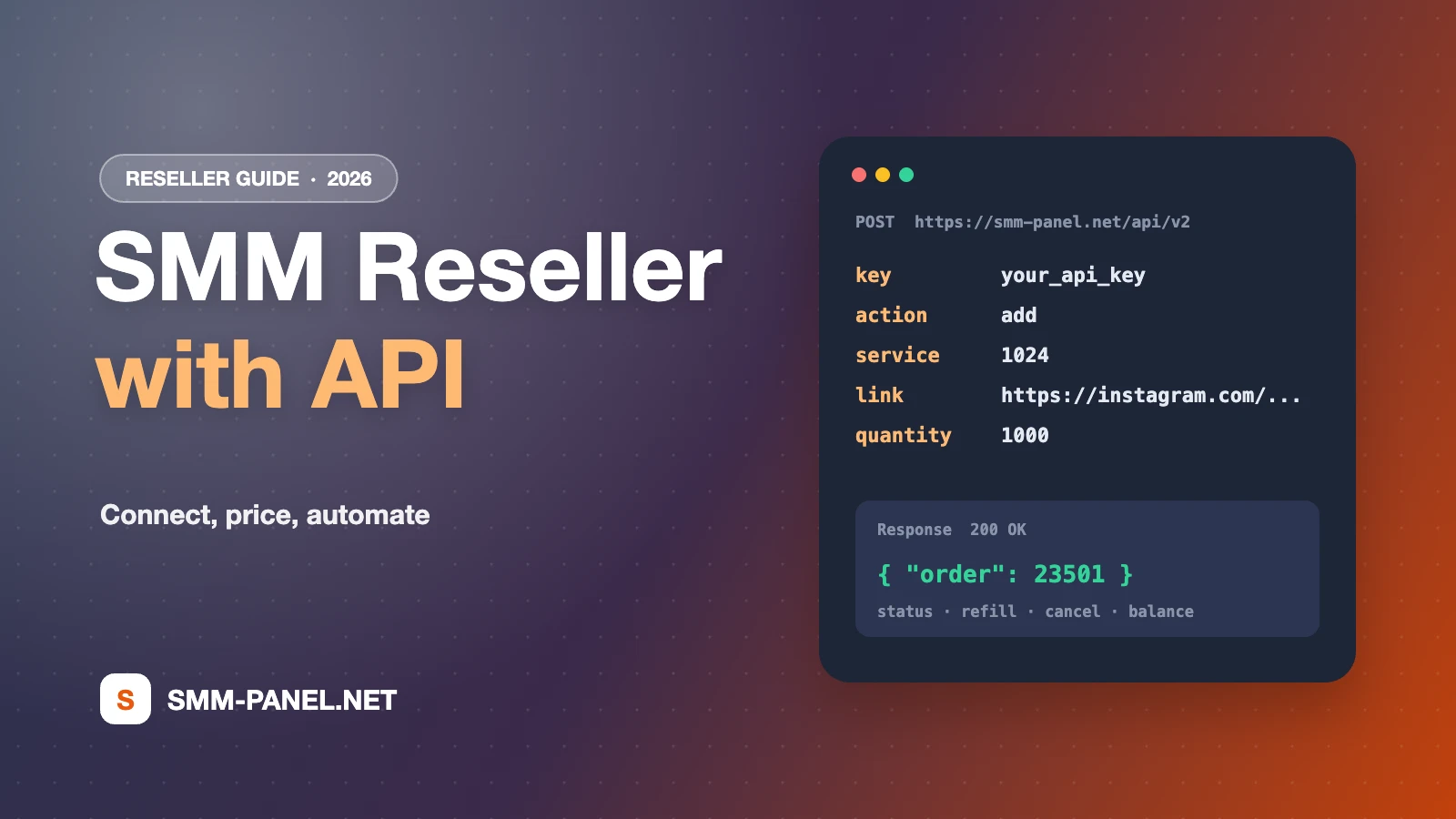
SMM-PANEL.NET uses the standard SMM panel API that almost every panel script supports. All requests are HTTP POST to https://smm-panel.net/api/v2 and responses are JSON. The main actions are:
| Action | What it does |
|---|---|
services | Returns the service list with ID, name, category, rate, min, max and whether refill and cancel are available |
add | Creates an order with service ID, link and quantity |
status | Returns charge, start count, status and remains for one or several orders |
refill / refill_status | Creates a refill and checks its progress |
cancel | Requests cancellation for services that support it |
balance | Returns your current balance and currency |
With a panel script you usually only paste the API URL and your key into the provider settings and import services. Full parameters and example responses are on the API documentation page.
Choosing which services to sell
Do not import thousands of services at once. A focused list is easier to price, describe and support.
- Start with demand: Instagram followers and likes, TikTok views and followers, and YouTube views cover most first orders.
- Offer tiers: for each popular service, list a budget option and a quality option with a longer refill period.
- Check speed first: compare candidates on the Service Speed page and place a small test order before you list a service.
- Copy refill terms exactly: if a service has a 30-day refill, your listing should say 30 days, not lifetime.
Setting prices and margins
Your price has to cover the provider rate, payment fees, refunds and your time. A simple method:
- Take the provider rate per 1,000.
- Add the payment processor fee you pay on deposits.
- Add your margin. Many resellers use a higher percentage on cheap services and a lower one on expensive services so prices stay competitive.
- Round to clean numbers that customers can compare easily.
Rates can change when sources change, so sync prices regularly through the services action instead of setting them once and forgetting them.
Automating status, refills and refunds
- Status sync: poll the
statusaction on a schedule. The multiple-order status call checks up to 100 orders in one request. - Partial and cancelled orders: when an order is partial or cancelled, refund the unused part to your customer automatically.
- Refills: pass a customer's refill request to the
refillaction only when the service supports it and the period has not ended. - Balance alerts: check
balanceand alert yourself before it runs out, so orders never fail for lack of funds.
Keeping customers happy
Most reseller problems are expectation problems. Show the average time, refill period and cancel option on every service. Answer tickets quickly, and when something goes wrong, check the order status with the provider before you reply. Our support team answers reseller and API questions every day from 10:00 to 22:00 (UTC+3).
Frequently asked questions
Do I need programming skills?
Not if you use a ready panel script: you paste the API URL and key. A custom website needs a developer for the API calls.
How much money do I need to start?
Only enough balance to cover your first orders. Start small, test services and add funds as orders grow.
Can my customers see that I use SMM-PANEL.NET?
No. Orders are placed by your system with your key, so your customers deal only with your brand.
Ready to connect? Create a free account, get your API key and read the API documentation.
Ready to put this into practice?
Thousands of services from $0.01 per 1K. Free account, no card required.