


On this page
Ordering followers, likes or views is routine for agencies and creators, but a careless order can waste money or make an account look unnatural. The good news is that almost every problem comes from a handful of avoidable mistakes. These ten rules come from the patterns we see most often in orders and support requests.
1. Never share your password
A legitimate SMM panel only needs the public link to your profile, post or video. If any site asks for your login or a verification code, leave. On SMM-PANEL.NET you never enter social media credentials.
2. Keep the profile public until the order is complete
Private profiles cannot receive followers or engagement from outside. Switching to private during delivery usually makes the order partial and can void the refill.
3. Use the exact link format the service asks for
Follower services need the profile link; likes and views need the post or video link. Check the service description, paste the full link and avoid shortened URLs.
4. Do not change the username during delivery
Changing the username, or deleting and re-uploading a post, breaks the link that delivery is using. Wait until the order is completed and the refill period you rely on has ended.
5. One order per link at a time
Two running orders on the same link mix their counts. The panel cannot tell which order delivered what, so drops cannot be refilled correctly. Wait for the first order to finish before placing the next one.
6. Grow in proportion
An account with 300 followers that suddenly gets 50,000 views on every post looks unusual. Keep orders in proportion to your current size and organic engagement, and spread larger amounts over time. Services with gradual or drip-feed delivery help here.
7. Match the service to your audience
If your audience is in one country, a country-targeted service usually fits better than a worldwide one. Mixed signals, such as comments in a language your audience does not speak, look unnatural.
8. Test small before you scale
Place a small order of a new service first. Check how fast it starts, how it delivers and how it holds after a few days. The Service Speed page shows measured start and completion times from real orders to help you shortlist.
9. Choose refill for accounts you keep
For a main brand or personal account, pick services with a refill period so drops can be topped up. Our refill vs non-drop guide explains the difference.
10. Keep content and services working together
Services work best as support for a real content plan: consistent posting, a clear profile and replies to your audience. Numbers without content rarely turn into customers.
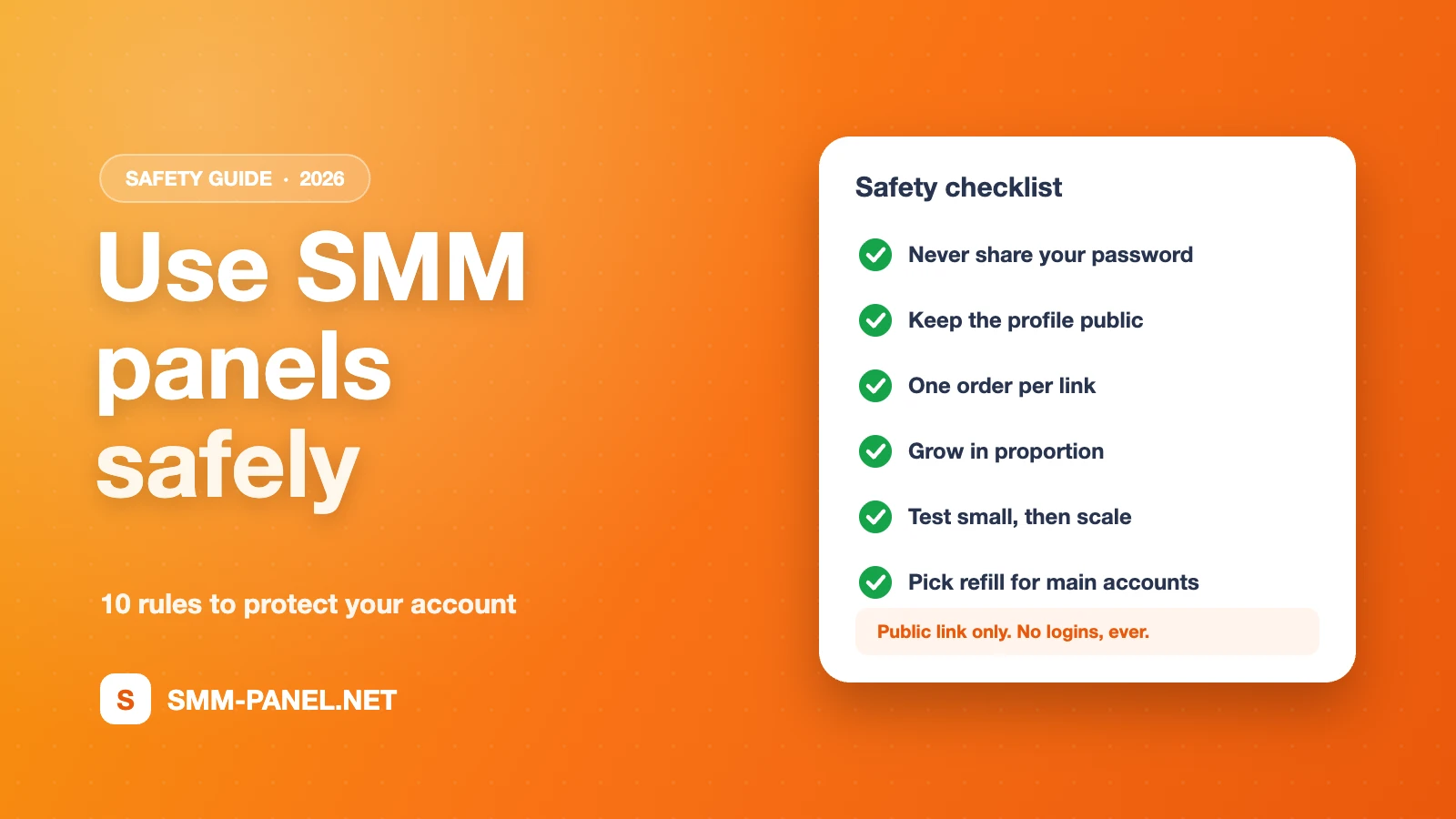
Quick safety checklist
| Before ordering | During delivery | After completion |
|---|---|---|
| Profile is public | Do not change the username | Check the count after a few days |
| Correct link format | No second order on the same link | Request a refill within the period if needed |
| Quantity fits account size | Keep the post online | Plan the next order gradually |
Frequently asked questions
Can using an SMM panel get my account banned?
Platforms set their own rules and can act on any activity they consider inauthentic, so no provider can promise zero risk. Following the rules above, ordering in proportion and never sharing your password keeps the risk as low as possible.
What if my order seems stuck?
Check the status on the Orders page or the order tracking page. If it has not started after the average time, open a ticket with the order ID; our automatic system handles speed-up and cancel requests 24/7.
Do I enter card details for every order?
No. You add funds once through the payment provider's checkout, and orders are paid from your panel balance.
Want to start safely? Create a free account and begin with a small test order.
Ready to put this into practice?
Thousands of services from $0.01 per 1K. Free account, no card required.